Reporting a Deer Through Illinois’s App
There was a time, not so long ago, when tagging and reporting a harvested deer in Illinois felt like a second hunt itself – a race against time to a physical check station or an endless wait on a phone line. The frustration was real, especially after a successful hunt where all you wanted to do was celebrate and get your venison taken care of. Thankfully, those days are largely behind us. This guide will walk you through the modern, streamlined process of reporting your deer using the Illinois Department of Natural Resources (IDNR) mobile app, making your post-harvest tasks much simpler.
The Evolution of Deer Reporting in Illinois
If you've been hunting in Illinois for a while, you probably remember the "good old days" of deer reporting. Or maybe, depending on your perspective, the "frustrating old days." Either way, things have definitely changed, and for the better when it comes to convenience.
Remembering the Old Ways
For decades, the standard procedure after you downed a deer was pretty straightforward, but often inconvenient. You'd field dress your animal, load it up, and then you had a strict deadline to get it to a physical check station. These stations were often set up in small-town businesses, gas stations, or even at someone's house, marked by a big IDNR sign. You'd pull up, often wait in line, and then a volunteer or DNR staffer would collect your permit information, check the deer's sex, and sometimes even pull a tooth for age data. It was a communal experience, sure, a chance to show off your harvest and hear stories, but logistically, it could be a real headache. Imagine driving an hour out of your way after a late evening hunt, just to make it before the station closed, or having to plan your entire day around getting that deer checked in.
Then came the phone-in system, which was a step forward in some ways, allowing you to report from anywhere, usually within 24 hours. But who among us hasn't experienced the agony of trying to get through to a busy line, repeating your permit number and harvest details multiple times, only for the call to drop or the system to glitch? It certainly took some of the joy out of a successful hunt when you were battling a bad phone connection instead of admiring your animal. These methods, while functional, were prone to human error, delays, and simply didn't fit the fast-paced, digital world we live in.
The Shift to Digital and the Illinois DNR App
The Illinois DNR recognized these challenges and, like many other state agencies, began embracing digital solutions. The shift wasn't just about making things easier for hunters; it was also about improving data collection accuracy and efficiency for wildlife management. The more precise the harvest data, the better biologists can understand deer populations, disease trends, and adjust seasons or permit allocations, which ultimately benefits us all as hunters.
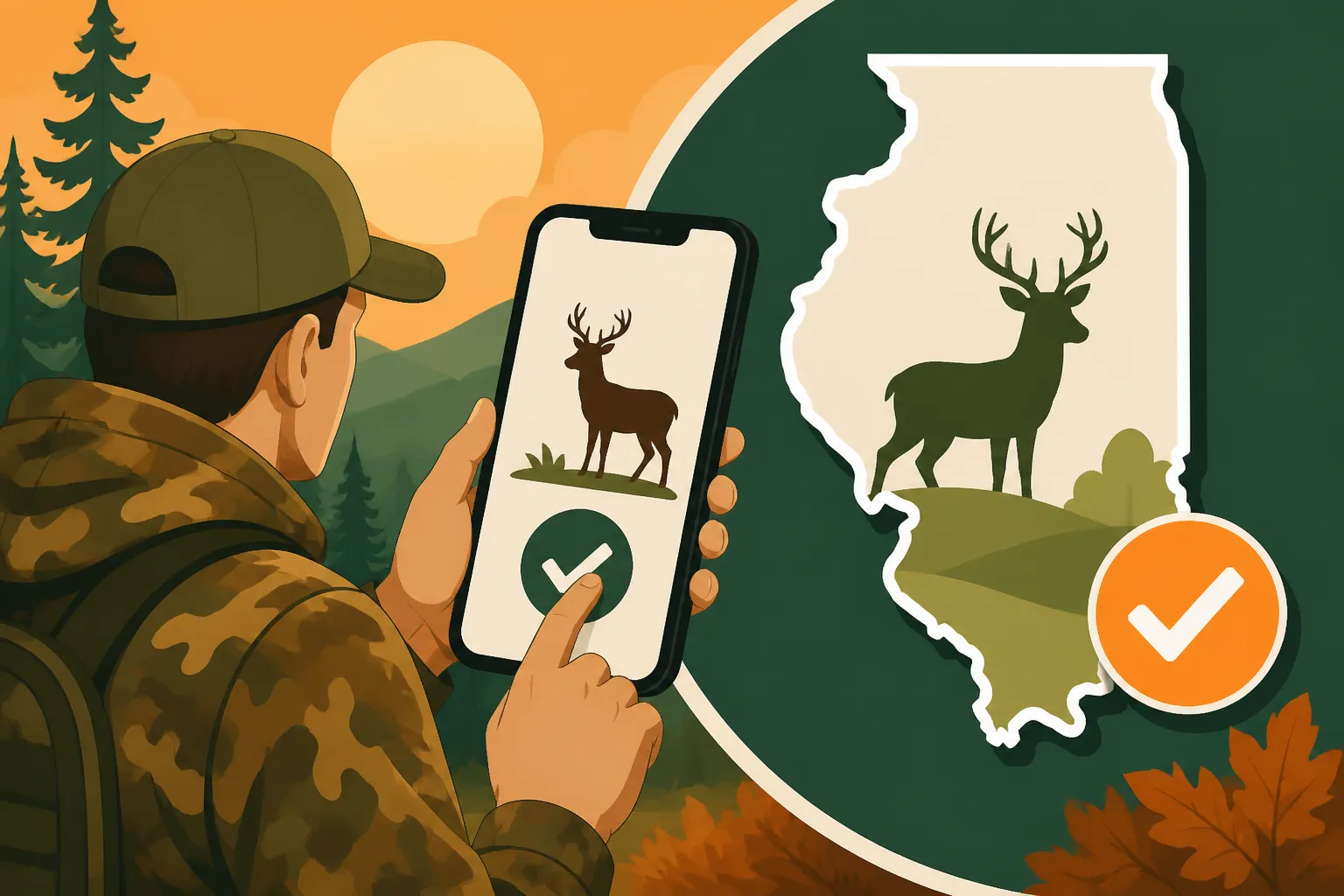
This led to the development and widespread adoption of the Illinois DNR Direct mobile app, often referred to simply as the "Illinois DNR App." This app is a game-changer, putting the power of harvest reporting directly into your pocket. No more long drives to check stations, no more frustrating phone calls. With the app, you can report your deer from the comfort of your home, your deer camp, or even, if you have service, right next to your harvested animal in the timber. It integrates seamlessly with your online hunting profile, making the entire process faster and far more convenient. Many hunters also use other apps like GoHunt to track their individual statistics, and the DNR app makes it easy to then transfer that official harvest data into your personal logs. This modern approach aligns with the overall trend towards digital management of hunting licenses and permits, which you can read more about in our guide on Illinois Hunting Licenses and What They Cost.
Getting Started with the Illinois DNR App for Deer Reporting
Jumping into a new app, especially one tied to official reporting, can feel a little daunting. But I promise, the Illinois DNR App is designed to be user-friendly, and once you've set it up, reporting becomes incredibly straightforward.
Downloading and Setting Up Your Profile
First things first, you'll need to download the app. It's available on both the Apple App Store for iOS devices and the Google Play Store for Android. Just search for "Illinois DNR Direct" or "Illinois DNR." It's a free download, so you don't have to worry about any hidden costs.
Once downloaded, open the app. You'll likely be prompted to log in or create an account. If you've ever purchased an Illinois hunting license, permit, or applied for a lottery online, you already have a username and password associated with the IDNR's online portal. Use those credentials to log in. If you're brand new to Illinois hunting, you'll need to create a new profile. This usually involves entering your personal details, such as name, address, date of birth, and possibly your hunter education number if you need to provide proof of completing Illinois Hunter Education Requirements. Make sure all the information is accurate, as this profile will be linked to all your hunting activities, including your Illinois Resident Deer Permit Options. Once you're logged in, take a moment to familiarize yourself with the interface. Most of the time, the main menu will have clear options for licenses, permits, and, crucially, harvest reporting.
Essential Information You'll Need at Your Fingertips
The key to a smooth reporting process is preparation. Don't wait until you're trying to report your deer to scramble for information. Before you even head out to the woods, make sure you know exactly what details you'll need. This means having your valid permit in hand or easily accessible on your phone, and being ready to accurately assess your harvested animal.
Here’s a breakdown of the critical information you'll need to report:
- Permit Number: This is perhaps the most important piece of information. Every deer permit you purchase has a unique number. Make sure you have the correct permit number for the specific deer you harvested. For example, if you're hunting during the Illinois First Firearm Season Dates, ensure you're using the correct firearm permit.
- Harvest Date and Time: The exact date and, as close as possible, the time of harvest.
- County of Harvest: The specific county where you harvested the deer. This is crucial for accurate data collection for the IDNR, as they track Illinois Deer Population Estimate by county.
- Sex of the Deer: Buck or Doe. This is usually pretty obvious, but sometimes with button bucks, you might need to confirm.
- Antler Points (for bucks): If it's a buck, you'll need to count the points. This means any projection on the antler that is at least one inch long. Don't count broken points or nubs. Be precise!
- Weapon Used: Rifle, shotgun, muzzleloader, crossbow, or traditional archery equipment. Illinois has specific rules for Legal Weapons During Illinois Firearm Season, so make sure you're reporting the correct one.
- Type of Permit Used: For instance, whether it was an antlered deer permit, an antlerless-only permit, or a youth permit.
- Site Code (if applicable): If you're hunting on a specific public land site that requires a site-specific permit or has its own check-in system, you may need to enter a site code. Always double-check the rules for the specific public land you are hunting.
Having this information readily available, perhaps even jotted down on a waterproof notepad or stored in a reliable hunting app like GoHunt, will save you a lot of hassle.
Here’s a handy checklist:
| Information Needed | Details / Example | Why It's Important |
|---|---|---|
| Permit Number | 1234567-001 | Links harvest to your legal permit. |
| Harvest Date | MM/DD/YYYY | Tracks hunting pressure and success trends. |
| Harvest Time | HH:MM AM/PM | Provides data on peak activity times. |
| County of Harvest | Pike County (e.g.) | Essential for localized population management. |
| Sex of Deer | Buck / Doe | Tracks sex ratios and herd health. |
| Antler Points (Bucks) | 8-point (e.g., any point >1 inch) | Data for age structure and trophy potential. |
| Weapon Used | Shotgun, Archery, Muzzleloader, etc. | Helps IDNR understand weapon-specific harvest. |
| Permit Type | Any-sex, Antlerless-only, Youth | Tracks permit usage and effectiveness. |
| Site Code (if applicable) | (e.g., specific public land code) | Site-specific management and permit validation. |
Step-by-Step: Reporting Your Deer Through the App
Now that you're prepared with all your information, let's walk through the actual reporting process on the Illinois DNR App. It's designed to be intuitive, but knowing the steps beforehand will make it even smoother.
Navigating the Harvest Reporting Section
Once you've successfully logged into the Illinois DNR Direct app, you'll usually see a main dashboard or menu. Look for an option clearly labeled "Harvest Reporting," "Deer Harvest," or something similar. It's typically one of the most prominent features during deer season. Tap on this section, and it will likely present you with a list of your current, valid deer permits. This is where you'll select the permit you used for your recent harvest. For example, if you had an archery tag and a firearm tag, make sure you choose the correct one for the deer you're reporting.
After selecting the permit, the app will guide you through a series of prompts. Think of it like an interview where the app is asking you for all the details we discussed earlier. The screens are generally very clean, with clear fields for you to enter information. Don't rush through this; read each prompt carefully to ensure you're providing the correct data in the right place. The app's layout is similar whether you're reporting a deer harvested during Hunting the Rut in Early November or later in the season.
Entering Your Harvest Details Accurately
This is the most crucial part – inputting all the information you gathered.
- Select Your Permit: On the first screen, choose the specific permit you used. For instance, if you bought an Illinois Resident Firearm Deer Permit Cost, pick that one from your list of active permits.
- Date and Time of Harvest: You'll usually have a calendar and a clock interface to select the exact date and time. Try to be as precise as possible. If you harvested the deer at dawn, enter that. If it was a late afternoon hunt, accurately reflect that.
- County of Harvest: The app will likely provide a dropdown list of all Illinois counties. Scroll through and select the correct one. This is vital for the IDNR's biological data collection and understanding localized deer populations.
- Sex of Deer: A simple toggle or button to select "Buck" or "Doe."
- Antler Points (if Buck): If you selected "Buck," a new field will appear asking for the number of antler points (one inch or longer). Enter the exact count. This is a common area for hunter error, so double-check your count before inputting.
- Weapon Used: Another dropdown or set of radio buttons to select your weapon type (e.g., Bow, Crossbow, Shotgun, Muzzleloader, Handgun, Straight-Wall Rifle).
- Final Review: Before submitting, the app will almost always give you a summary screen showing all the details you've entered. This is your last chance to check everything. Review the permit number, date, county, sex, antler points, and weapon. A small error here could lead to issues later. For example, accidentally choosing the wrong county could skew harvest data for both counties involved. Many hunters find it helpful to use apps like GoHunt to keep a detailed personal log, and then cross-reference that against their official submission to ensure consistency.
Confirmation and Tagging Your Deer
Once you hit "submit" after reviewing your details, the app will process your report. If successful, you'll receive a confirmation screen. This screen is extremely important! It will display a unique confirmation number. This number serves as your official proof that the deer has been reported.
What to do with the confirmation number:
- Write it down immediately: Don't rely on your phone's battery or memory. Grab a pen and permanent marker.
- Attach it to your physical tag: Take your paper permit tag and write the confirmation number clearly and legibly on the tag itself.
- Secure the tag to the deer: Following Illinois regulations, you must attach this physical tag (with the confirmation number written on it) to the deer. The specific placement might vary slightly by regulation, but generally, it needs to be securely attached to the animal.
This combined physical tag with the confirmation number serves as proof of legal harvest and reporting. You must keep this tag attached to the deer while transporting it. If a conservation officer stops you, they'll check for this tag. Having it correctly filled out and attached ensures a smooth interaction. Remember, proper tagging and reporting are not just bureaucratic steps; they are crucial for ethical hunting and for the long-term health and management of Illinois's deer herd, the status of which you can explore further in Illinois Deer Season Structure Explained.
Common Challenges and Troubleshooting for App Reporting
Even with a user-friendly app, technology can be unpredictable. You might encounter situations where reporting isn't as smooth as you'd hoped. Being prepared for these common challenges can save you a lot of stress in the field.
Dealing with Poor Cell Service in the Field
One of the biggest frustrations for hunters using mobile apps is, inevitably, the lack of cell service in remote hunting areas. Illinois, despite its extensive farmlands, still has plenty of deep woods and river bottoms where your phone might as well be a brick. This is a very real problem when you've just harvested a deer and need to report it within the legal timeframe.
If you find yourself in a dead zone, here’s how to handle it:
- Don't Panic: The first thing is to remember that you don't necessarily have to report it the instant you pull the trigger. Illinois regulations usually give you a reasonable window (e.g., by 10 PM on the day of harvest or immediately upon arriving at your residence/taxidermist/processor if sooner). Always check the most current regulations for precise timing.
- Gather All Info Manually: Immediately after field dressing and tagging with your permit, write down all the required harvest information (permit number, date, time, county, sex, points, weapon) on a notepad. Take photos of your permit and the deer. This ensures you have the details even if your phone dies.
- Move to a Service Area: Transport your deer out of the field and to a location where you have reliable cell service. This could be your vehicle, a nearby town, or back at camp. Then, open the app and complete the report.
- Offline Mode (Check App Functionality): Some apps have a limited "offline mode" where you can input data that syncs once you get service. While the Illinois DNR app is primarily an online reporting tool, it's worth checking if any updates have added such a feature. For scouting, tools like the Illinois DNR Map Tool can sometimes save maps for offline use, but reporting typically requires a connection.
Avoiding Data Entry Errors
As simple as the app is, mistakes can happen. Typing quickly in cold weather with numb fingers, or simply being tired after a long day of hunting, can lead to errors. Incorrect data not only causes headaches for you if questioned but also compromises the IDNR's ability to accurately manage the deer herd.
Here are some tips to avoid common data entry errors:
- Double-Check Everything: As mentioned before, the app usually provides a summary screen before final submission. Treat this as your final exam. Read every detail carefully. Is it the correct permit number? Is the county accurate? Did you count the antler points correctly (a common mistake is miscounting broken points or small nubs)?
- Use a Pen and Paper First: If you're prone to errors or just want an extra layer of security, write all the harvest details on a piece of paper before you open the app. Then, simply transfer the information from your paper notes to the app.
- Know Your Local Details: Be absolutely certain of the county you are in. Sometimes property lines or public land boundaries can be confusing, especially if you're hunting near a county border. A quick check of a GPS app like onX Hunt or even Google Maps can confirm your location.
- Focus: It’s easy to get distracted after a successful hunt. Take a moment, collect your thoughts, and focus solely on the reporting process until it's done.
When the App Just Won't Cooperate
Sometimes, despite your best efforts, the app might simply refuse to work. It could crash, freeze, or you might encounter an error message that prevents submission. This is the last thing you need when you have a deer to process.
If the app is giving you trouble:
- Restart the App: Close the app completely and reopen it. This often resolves minor glitches.
- Restart Your Phone: If restarting the app doesn't work, try restarting your entire phone. This can clear up deeper software conflicts.
- Check for Updates: Ensure your app is updated to the latest version. Developers frequently release updates that fix bugs and improve performance.
- Check Your Internet Connection: Even if you have service, a weak or intermittent connection can cause submission failures. Try moving to a different location with better Wi-Fi or cellular data.
- Use the Web Portal as an Alternative: If the app is truly uncooperative, remember that you can still report your deer through the Illinois DNR's official website. Go to the IDNR website on your phone's browser or a computer and look for the "Harvest Reporting" section. The login and process will be very similar to the app. This is an excellent backup method.
- Call the IDNR: In an absolute emergency, if all digital methods fail and you're up against a deadline, you may need to call the Illinois DNR directly. Keep their contact information handy. While they prefer digital reporting, they can assist with issues.
Remember that regulations concerning The Illinois Deer Reporting Deadline are strict, so always prioritize getting your deer reported accurately and on time, even if it means using an alternative method.
Disclaimer
Please note: This article provides general information based on common practices and readily available public information. Hunting regulations and laws can change frequently. It is the hunter's sole responsibility to consult the most current Illinois Department of Natural Resources (IDNR) Hunting & Trapping Digest or their official website for the exact and most up-to-date regulations, season dates, permit requirements, and reporting procedures before engaging in any hunting activities. Failure to do so could result in fines or legal action.