Registering an Illinois Deer Online
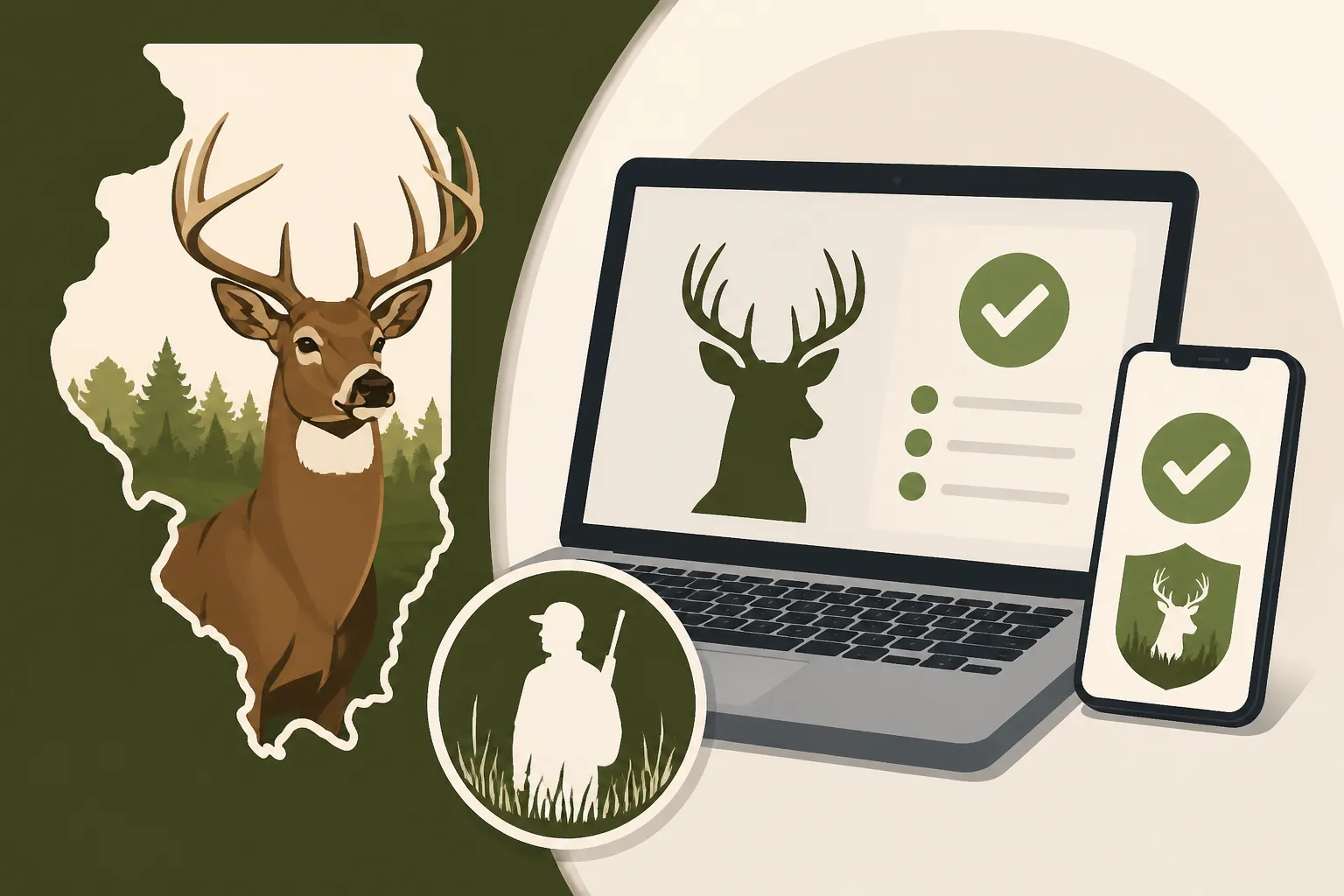
That feeling, the adrenaline slowly fading after a successful hunt, is one of the best in the world. You've done the hard work, made the shot, and now the real physical labor begins. But before you even think about butchering or celebrating too much, there's a crucial, non-negotiable step every Illinois deer hunter must take: registering your harvest. It might seem like just another piece of paperwork, but understanding and executing the online deer registration process correctly is vital for both you and the future of deer hunting in our state. This guide will walk you through everything you need to know to report your deer quickly and accurately.
Why Register Your Deer? Understanding the Illinois IDNR Requirements
It's easy to look at the registration process as just a formality, something you have to do because the rules say so. But in Illinois, registering your deer isn't just a suggestion; it's a legal mandate with significant implications for wildlife management and conservation efforts across the state. Every successful hunt concludes not just with a harvested animal, but with a piece of vital data that helps shape the future of deer hunting for all of us.
The Legal Mandate and Conservation Impact
The Illinois Department of Natural Resources (IDNR) requires every harvested deer to be registered. This isn't about bureaucracy for the sake of it; it's about collecting crucial data points. Think of it as your contribution to a massive, ongoing scientific study. Each registration tells the IDNR exactly how many deer are being harvested in specific counties, by what means, and during which seasons. This information is the backbone of sound wildlife management. Without accurate harvest data, the IDNR would be flying blind when it comes to setting season dates, permit quotas, and making decisions that impact deer populations.
For example, your report helps biologists understand population trends – if harvest numbers are consistently low in a certain area, it might signal a need to reduce permits or adjust season lengths. Conversely, high harvest numbers could indicate a thriving population that can sustain more hunting pressure. This data also plays a critical role in monitoring diseases, particularly Chronic Wasting Disease (CWD). By knowing where deer are harvested, the IDNR can track the spread of CWD and implement management strategies to mitigate its impact. If you're hunting in or around a CWD-positive county, your report contributes to a much larger effort to keep our deer herd healthy. You can learn more about specific disease zones by reading about Illinois's Chronic Wasting Disease Zone.
Reporting Deadlines and Consequences of Non-Compliance
The clock starts ticking the moment you harvest your deer. In Illinois, you are required to report your deer by 10 p.m. on the same calendar day you harvest it. This deadline is firm, and there are no exceptions for bad weather, celebratory exhaustion, or even a late-season hunt that leaves you dragging a deer out of the timber after dark.
Missing this deadline can lead to serious consequences. At best, your permit could be invalidated, meaning your harvest technically becomes illegal. At worst, you could face fines and penalties. Imagine all that effort, all that planning, only to have your successful hunt tarnished by a simple missed registration. It's an easily avoidable headache. My advice? Make reporting part of your post-harvest routine. Even before you fully field dress, take a moment to collect the necessary information and prepare to report. Planning for this well in advance can prevent a lot of frustration, especially if you're hunting in an area with spotty cell service or if you're just plain tired after a long day. You can find more specific details on the reporting process and associated deadlines in our guide on the Illinois Deer Reporting Deadline.
Step-by-Step: Registering Your Illinois Deer Online
Navigating online government portals can sometimes feel like a treasure hunt, but the Illinois DNR has made their deer registration process fairly straightforward. However, being prepared with all the necessary information beforehand is key to a smooth and quick experience. Don't wait until you're staring at the screen, shivering after a cold hunt, trying to recall details.
Essential Information You'll Need Before You Start
Before you even open your web browser, gather the following details. Having them written down or readily accessible will save you time and prevent errors.
- Your Hunter Identification: This is typically your 10-digit IDNR Customer ID Number (also sometimes referred to as your Constituent ID). You'll find this on your hunting license or any permit you've purchased.
- Permit Number(s): Each deer permit you hold will have a unique number. Make sure you're using the correct permit number for the deer you've harvested. For example, if you have both an Archery Any-Sex permit and an Archery Antlerless-Only permit, ensure you know which one was used for your specific harvest.
- Date and Time of Harvest: Be as accurate as possible with the date and approximate time your deer was taken.
- County of Harvest: This is crucial data for IDNR. You must report the county where the deer was legally harvested.
- Sex of the Deer: Was it a buck (male) or a doe (female)?
- Antler Points (if applicable): If it was an antlered deer, you'll need to count the number of points on one side, and then the total points. An antler point must be at least one inch long. This information is vital for the IDNR to track buck age structure.
- Weapon Used: You'll need to specify if you used archery equipment (compound, recurve, crossbow), a shotgun, a muzzleloader, or a straight-wall rifle, depending on the season and permit.
- Harvest Location Details: While not always a specific field on the online form, mentally noting the general area (e.g., "north woodlot of Miller Farm") can be helpful for your own records and if you ever need to clarify anything with the IDNR.
Many experienced hunters use digital tools to keep track of this information, especially if they hold multiple permits or hunt different species. Apps like GoHunt, for instance, can be a great resource for not only planning future hunts by looking at harvest data from previous years but also for quickly referencing your permit numbers or even knowing which CWD zone your county falls into.
Navigating the Illinois DNR Online Reporting System
Once you have all your information ready, it's time to hit the web. The official portal for reporting your harvest is typically found on the Illinois Department of Natural Resources website.
- Access the Portal: Head to the IDNR's official website. Look for a prominent link usually labeled "Harvest Reporting," "Deer Check," or "Online Deer Registration." You can also usually navigate there via the hunting section of the website.
- Enter Hunter Information: You'll usually start by entering your 10-digit IDNR Customer ID Number. This authenticates you as the permit holder.
- Select Permit: The system should then prompt you to select the specific permit you used for the harvest. This is where having your permit number handy is key, as you'll input it to validate.
- Input Harvest Details: This is where you'll fill in all the details we discussed earlier: date, time, county, sex, antler points (if any), and weapon used. Double-check every entry. An incorrect county, for instance, can throw off critical IDNR data.
- Review and Submit: Before clicking "submit," take a moment to review all the information you've entered. It's much easier to catch a mistake now than to try and correct it later.
- Receive Confirmation Number: Upon successful submission, the system will generate a unique 10-digit confirmation number. This number is incredibly important. Write it down, screenshot it, or print it immediately. This confirmation number legally validates your harvest.
While the online system is the primary method, Illinois does offer an alternative for those without internet access: a toll-free telephone harvest reporting system. This can be a lifesaver if you're out in the boonies with no cell signal. However, even when using mapping and scouting tools like GoHunt, which can work offline, having a backup plan for reporting is crucial. Make sure you know the phone number (which is typically available on the IDNR website or in the hunting regulations digest) if you need to use it.
Attaching Your Confirmation Number to the Deer
Getting the confirmation number isn't the final step; it's just the prelude to validating your physical tag. Once you have that 10-digit number, you must immediately write it onto your physical deer permit tag.
The process is straightforward:
- Locate Your Tag: Find the physical paper tag that came with your permit. It usually has a designated space for the confirmation number.
- Write Neatly: Use a permanent marker to clearly and legibly write your confirmation number on the tag.
- Attach to Deer: The tag, now bearing your confirmation number, must be securely attached to the deer. The IDNR regulations state it must be attached to the antler or leg of the deer, remaining with the deer until it is processed. This tag proves that your deer has been legally harvested and reported.
Think about it: during transport, a Conservation Police Officer might stop you to verify your harvest. Having the tagged deer, complete with the confirmation number, makes the process seamless. Without it, you could face delays or even accusations of illegal activity. Protect that tag and number from the elements! A small zip-lock bag or clear tape over the written number can prevent rain, snow, or blood from smudging or destroying this crucial piece of identification. Understanding these critical post-harvest steps is part of the broader Illinois Deer Reporting Requirements.
Common Questions and Troubleshooting for Online Deer Registration
Even with the best intentions and preparations, sometimes things go awry. Whether it's a technical hiccup or simply a misunderstanding of the rules, knowing how to troubleshoot common issues can save a lot of stress after a successful hunt.
Dealing with Technical Glitches and No Cell Service
It's infuriating to finally get that deer down, drag it out, and then fight technology to report it. We've all been there: staring at a "page cannot be displayed" message or a spinning loading icon when you just need to submit that harvest report.
- Website Issues: If the IDNR website seems to be down or unresponsive, first try refreshing the page. If that doesn't work, give it a few minutes and try again. Sometimes, high traffic during peak harvest times (like opening weekend of firearm season) can temporarily slow things down. If persistent, try a different browser or device. While rare, systemic issues do happen, and in those cases, the IDNR will usually issue an alert.
- No Cell Service: This is a common challenge for hunters who venture into remote areas of Illinois, especially in the rugged terrain of the Shawnee National Forest or deep river bottom country. If you find yourself without a signal:
- Drive to Service: Your most direct option is to transport your deer (with the blank tag securely attached) to an area where you can get cell service or internet. Remember the 10 p.m. deadline!
- Phone Reporting: Call the IDNR's toll-free telephone harvest reporting system. Keep this number handy in your hunting pack.
- Plan Ahead: For future hunts in known dead zones, consider designating a "reporting buddy" who can enter your information for you once you text them the details (ensure they are reliable and accurate). Even if you use a mapping tool like GoHunt to scout, always have a backup plan for reporting when you're off-grid.
Correcting Mistakes and Understanding "CWD Only" Reporting
Mistakes happen, especially when you're tired and excited after a hunt. What if you accidentally input the wrong county or sex of the deer?
- Correcting Errors: If you realize you've made a mistake before you've attached the confirmation number to the tag and left the kill site, you might be able to go back and edit the submission in some systems. However, once a confirmation number is issued and tied to a permit, correcting errors often requires contacting the IDNR directly. They have processes in place to amend incorrect reports, but it will be less hassle if you double-check thoroughly before submitting.
- CWD Reporting: If you harvest a deer within a designated Chronic Wasting Disease (CWD) management area, there might be additional requirements. In these counties, the IDNR often encourages or even mandates CWD testing for harvested deer. You might be asked to drop off your deer head at a designated CWD sampling station. The online reporting system will usually prompt you if you're in a CWD county and provide instructions. It's crucial to follow these guidelines to help the IDNR monitor and manage the disease. Some hunters use GoHunt to help them verify their county's CWD status before the season even begins, ensuring they're prepared for any special reporting or testing procedures. For more details on this, consult our comprehensive guide on Illinois CWD Testing for Hunters or information regarding Mandatory Testing Inside an Illinois CWD County.
| Information Category | Required Details (Example) | Importance |
|---|---|---|
| Hunter ID | 10-digit Customer ID Number | Verifies hunter's identity and license |
| Permit Used | Archery Any-Sex Permit (e.g., #1234567890) | Validates the legal permit for the harvest |
| Date & Time of Harvest | 11/05/2023, 7:15 AM | Tracks harvest timing and trends |
| County of Harvest | Pike County | Crucial for localized population management |
| Sex of Deer | Male (Buck) | Data for buck-to-doe ratios and population health |
| Antler Points | 8 (4 Left, 4 Right) | Helps gauge buck age structure and herd quality |
| Weapon Used | Compound Bow | Tracks weapon-specific harvest success rates |
| Confirmation Number | (Generated by system after submission) | Legal proof of harvest registration |
Reporting Multiple Deer and Different Permit Types
Congratulations, you've had an incredibly successful season! But with multiple deer, comes multiple reporting responsibilities.
- One Deer, One Report: Each individual deer you harvest, regardless of when or where, must be reported separately. You cannot lump multiple deer into one single report. Each one requires its own unique permit number to be used and its own confirmation number generated.
- Different Permit Types: Illinois offers various types of deer permits, such as Archery Any-Sex, Archery Antlerless-Only, Firearm Any-Sex, Firearm Antlerless-Only, Muzzleloader-Only, and Youth permits. When you register a deer, you must ensure you are using the correct permit for that specific harvest. For instance, if you shoot a doe, you would use an antlerless-only permit if you have one, or an any-sex permit if that's all you possess. If you harvest a buck, you'd use an any-sex permit. The online system is designed to guide you through this, but knowing which permit aligns with which harvest is your responsibility. It's a good practice to keep your unused permits in a separate pocket or clearly marked area until you've decided which one to use. Understanding these distinctions is fundamental to staying legal, and you can delve deeper into the options by reviewing guides such as Illinois Resident Deer Permit Options or Illinois Nonresident Deer Permit Costs.
The IDNR relies heavily on this data to accurately assess the overall health and population dynamics of the Illinois deer herd. Your diligence in accurate reporting directly contributes to effective wildlife management, helping to ensure healthy deer populations and sustainable hunting opportunities for years to come.
Disclaimer
The information provided in this guide is for general informational purposes only and is subject to change. Hunting regulations, permit requirements, and reporting procedures are set by the Illinois Department of Natural Resources (IDNR) and can be updated annually. It is the responsibility of every hunter to consult the most current official Illinois Hunting and Trapping Regulations Digest, the IDNR website, or contact the IDNR directly to ensure full compliance with all applicable laws and regulations before engaging in any hunting activities. This guide does not constitute legal advice.